

2026 AI Essentials: Boosting Efficiency with AI Tools for Modern Workplaces

Generative AI has moved from buzzword to day‑to‑day utility. The question for most organisations isn’t whether to use AI, but where it delivers real value without compromising accuracy, privacy, or customer trust. In this guide, we’ll focus on practical workplace applications of AI tools your business likely already uses: Microsoft Copilot, Zoom AI Companion, and Power Automate, and equip you to evaluate suitability, implement them to streamline workflows, and keep human oversight front and centre.

What is Generative AI (and why it matters at work)?

Generative AI models (often called large language models, or LLMs) have been trained on vast corpora and can create text, summaries, outlines, insights, and even visuals from natural‑language prompts. Studies show meaningful productivity gains, especially for less experienced staff, by automating and accelerating work activities that consume 60–70% of employee time.

Three Workplace Applications You Can Use Today

Copilot is integrated across Word, Excel, PowerPoint, Outlook, OneNote, and Teams to help draft, summarise, analyse, and plan right inside the apps you already use.

Use cases:

  • Draft proposals in Word from CRM notes.
  • Summarise email threads and draft replies in Outlook.
  • Analyse trends and create charts in Excel.
  • Build presentations from outlines in PowerPoint.

Zoom’s AI Companion can generate meeting summaries, smart recordings with chapters and highlights, and action items, all based on transcripts.

Use cases:

  • Auto‑summaries and next steps after client meetings.
  • Smart chapters for training and onboarding.
  • Coaching analytics for better communication.

Power Automate uses AI and robotic process automation (RPA) to streamline repetitive tasks across apps and services.

Key features:

  • Automate approvals, notifications, and data entry.
  • Integrate AI Builder for document processing and sentiment analysis.
  • Connect hundreds of apps (Microsoft 365, CRM, ERP) for end-to-end workflows.

Benefits:

  • Reduces manual effort and errors.
  • Speeds up processes like invoice handling, HR onboarding, and reporting.
  • Frees staff for higher-value work.

How AI Models Drive These Tools

Under the hood, these tools rely on LLMs that infer context from your prompt and organisational data, then generate outputs that match patterns they’ve learned. They excel at summarisation and drafting, but they can produce plausible yet incorrect statements (hallucinations). Always verify outputs before sharing externally.

Productivity Wins: Where Generative AI Shines

  • Drafting & summarisation (emails, proposals, reports).
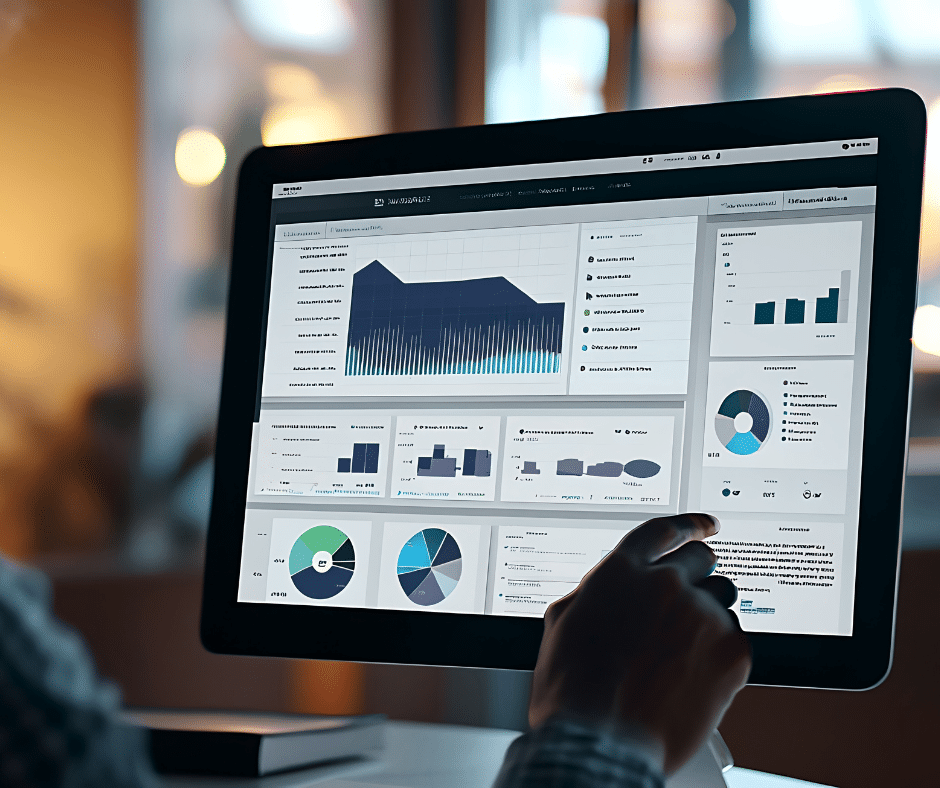
  • Data exploration & reporting.
  • Meeting documentation.
  • Workflow automation for IT, HR & Sales.

Human Oversight Is Non‑Negotiable

AI boosts speed, but humans remain accountable. Best practices include:

  • Always review AI outputs before publishing.
  • Ground outputs in authoritative sources.
  • Log prompts and outputs for traceability.

Is AI Suitable for This Task? A Quick Checklist

  • Is the task repetitive or data-heavy?  Good candidate.
  • What’s the cost if AI is wrong? If high, keep human in the loop.
  • Do you have authoritative data and clear policies?  Proceed with guardrails.

Implementation Playbook

  • Start with one workflow (e.g., meeting follow-up or ticket triage).
  • Configure tools and governance.
  • Add grounding and tagging.
  • Measure time saved and quality improvements.
  • Train teams on oversight and prompt design.

Conclusion

AI in tools like Microsoft Copilot, Zoom AI Companion, and Power Automate can reduce admin, accelerate analysis, and standardise documentation. The winning approach is pragmatic: choose the right tasks, keep humans in the driving seat, and measure outcomes.
 
Ready to integrate AI into your workflows? Explore Microsoft 365 solutions, Zoom services, and workflow automation tools or contact us for a free consultation.

Read More...